











The Bikosport mobile application gives Tanzanian users convenient access to sports betting from a smartphone. Designed for Android devices, the app can provide access to available markets, live events, account tools, and betting history without requiring a desktop computer. A mobile interface is useful when you need to check an event or review your account while away from home, although a stable internet connection is still required.
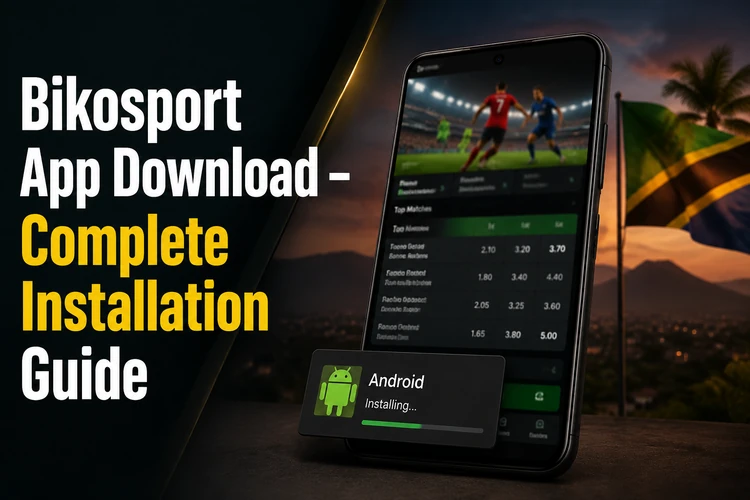
This page covers the download process, the role of an APK file, Android installation settings, iPhone access, mobile features, and practical troubleshooting. Check the instructions shown on the official site at the time of downloading, because device menus and software availability can change.
Why Download the Bikosport App
Installing the mobile application can provide direct access to your account instead of requiring you to open a browser and find the site each time. Depending on the current version and your account status, you may be able to browse events, place bets, follow live matches, and review previous wagers with a few taps.
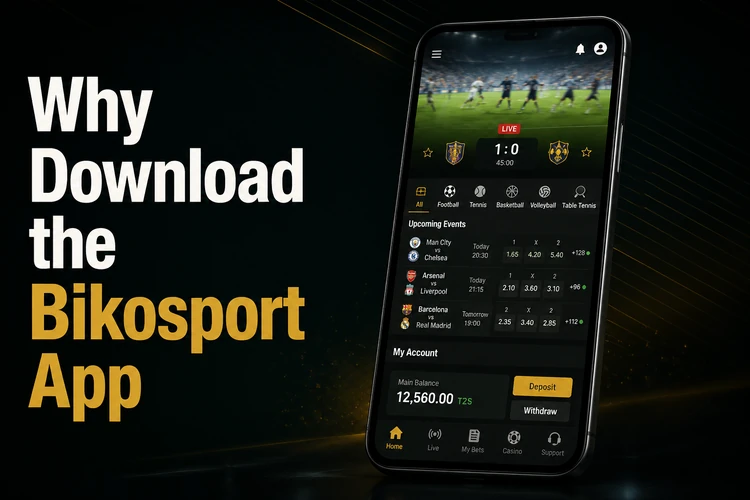
The layout is built for a smaller screen, so key controls are generally easier to reach with one hand than on a full desktop page. Account areas may include profile details, transaction records, and betting history. Do not assume that a notification, payment option, or market is available on every device; confirm the options displayed in your own account.
Mobile access does not remove the need to check odds, selections, minimum stakes, settlement rules, and available balance before confirming a wager. Use the service only where permitted and set limits that keep betting within your budget.
How to Download Bikosport
The usual Android installation route is an APK downloaded from the official Bikosport website rather than the Google Play Store. Use your phone's browser and check that you are on the correct official site before selecting a download button.
- Step 1: Open the official website on your Android phone.
- Step 2: Find the download area and review the version information displayed there.
- Step 3: Tap the download control and wait until the APK finishes downloading.
- Step 4: If Android requests permission, allow your browser to install an application from that source.
- Step 5: Open the file from the download notification or the Downloads folder and confirm the installation.
- Step 6: Launch the app and use your existing account details, or follow the account instructions shown on the official service.
Only grant permissions that make sense for the installation and review the publisher or file details where Android displays them. If the file name, source, or requested access looks unusual, cancel the process and obtain a fresh file from the official website. You can log in to your account after installation rather than entering credentials into an unfamiliar page.
Downloading the APK Version
APK means Android Package Kit, the file format used to install many Android applications outside the Play Store. It can be useful when an official app is distributed directly through a website, but it also places more responsibility on the user to verify the source and keep the file unchanged.
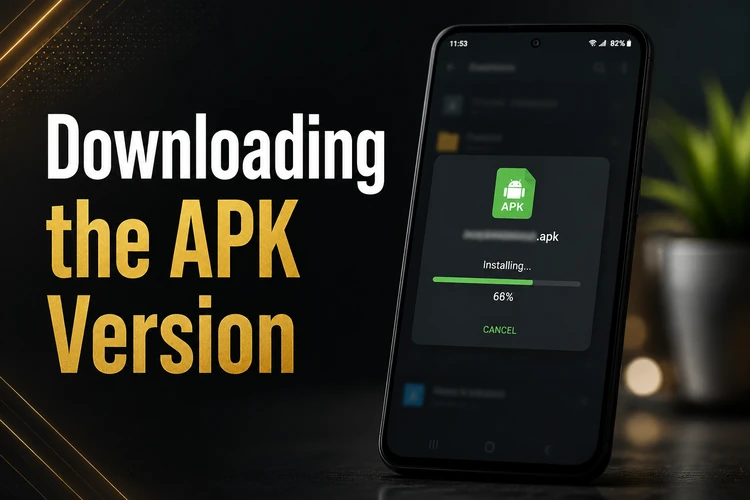
Before downloading, check your available storage and use a reliable Wi-Fi or mobile-data connection. Avoid APK files shared through random adverts, messaging groups, unofficial mirrors, or websites that ask you to disable several security protections. A third-party file may be outdated or modified, and the platform cannot verify every file found elsewhere.
Updates may work in different ways. Some versions notify you inside the app, while others require you to return to the official download page and install a newer APK. Read the release information provided with the download and do not delete the existing application until you understand whether the update will preserve your local settings.
Android Installation Guide
Android settings differ by manufacturer and software version. On recent devices, permission is often given to one specific browser or file manager under Settings, Apps, Special access, or Install unknown apps. Older phones may use a broader Unknown sources switch in Security or Privacy.
Keep enough free space for both the APK and temporary installation files. After downloading, open the file, review Android's warning, and select Install only when the source is trusted. If Android blocks the process, check the permission for the browser that downloaded the file rather than repeatedly tapping the APK.
For an update, download the newer file from the same official source and follow the installation prompts. If Android reports that the package conflicts with an existing version, do not immediately uninstall the app if you need locally stored information. First confirm that you know your login details and that your betting history is available through the account. System updates, low storage, or an incompatible Android version can also affect installation.
Using Bikosport on iPhone
The draft information available for this page does not confirm a dedicated iOS application. iPhone and iPad users should therefore use the mobile website through Safari or another supported browser unless the official service later provides different instructions. A responsive browser version can still make it possible to view events, access an account, and use the features displayed for the device.
For quicker access in Safari, open the official site, tap the Share button, and choose Add to Home Screen. This creates a shortcut rather than installing an iOS application. Keep the browser updated and avoid trying to install an Android APK on an iPhone, since APK files are designed for Android.
Main Features of the Mobile App
The mobile interface is intended to make sports markets easier to reach on a smartphone. Available sports, leagues, bet types, and live events can change, so use the filters shown in the app to narrow the list by sport, competition, or start time.
Where enabled for your account, the service may show balance information, deposits, withdrawals, profile controls, and transaction history. Review the payment method, fees, processing information, and any limits before confirming a transaction. Betting history can help you check previous selections, stakes, odds, and outcomes, but it should not be treated as a guarantee of future results.
Notifications depend on the app version and the permissions granted in Android. If you want alerts for events or account activity, check both the app's notification settings and your phone's system settings. Turn off alerts you do not need, and never share a login code or password with another person.
Troubleshooting
If the APK will not install, confirm that the download completed, the file came from the official site, and the browser has permission to install it. Free some storage space, restart the phone, and download the file again if it may have been interrupted. A file intended for a different Android version or device architecture may also fail.
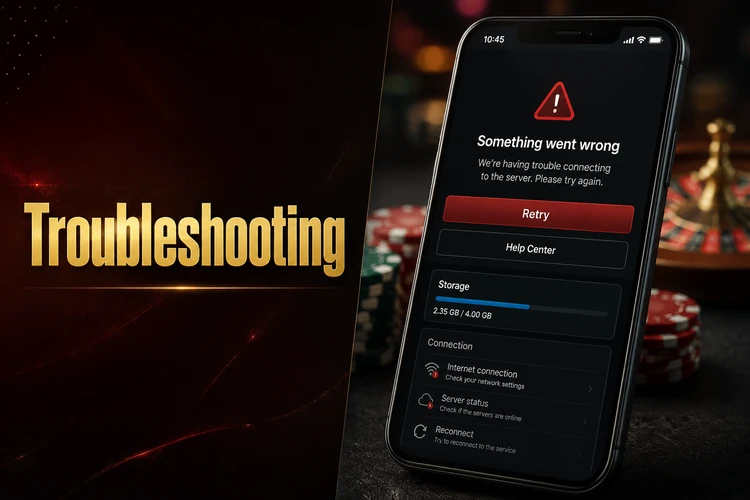
If the app installs but does not open, restart the device and check for pending Android or app updates. Clearing temporary app data may help, but it can remove local preferences, so make sure you can access your account before doing so. Reinstall only after confirming that your login details and any required verification information are available.
Login errors can result from incorrect credentials, a poor connection, or a temporary service problem. Check mobile data or Wi-Fi, enter the details carefully, and avoid repeated attempts if the account becomes locked. If the website works but the app does not, record the device model and error message before contacting support through the available official channel.
FAQ
Open the official Bikosport website on an Android device, find the download area, and download the APK shown there. Allow installation for the browser if Android requests it, then open the file and follow the installation prompts.
Downloading and installing the application does not itself require a purchase. Any deposits, stakes, transaction charges, or account conditions should be checked in the service before you place a real-money bet.
The app is intended for Android devices, but compatibility can depend on the phone model and software version. Check the requirements displayed on the official download page before installing.
The information available here does not confirm a dedicated iOS app. iPhone users can try the official mobile website in Safari and add a home-screen shortcut for quicker access.
Check for an update notice inside the app or return to the official download page when a newer version is announced. Download the new APK and install it over the existing version only after confirming that you know your account credentials.
Use only the APK supplied through the official Bikosport website and review Android's warnings before installing. Avoid unofficial mirrors and files shared through messages, because their contents and integrity cannot be verified.